=TYPE("Work order")Your own record types
Define what you track, from fields and validations to reference numbers, and change it anytime without losing data.
Kilnio The operations platform you shape yourself
Work orders, assets, fleets, products: whatever your business tracks, Kilnio adapts to it. Define your own record types, fields, statuses and workflows. No consultants, no code. And with AI, your existing spreadsheets become a working system in minutes.
Free for 3 users. Sign up, verify your email, and your workspace is ready in minutes.
How it works
Drop in the Excel files you work with today: work orders, asset lists, schedules, anything.
Kilnio analyses your data and proposes record types, fields, statuses and relationships. You review and approve. Nothing is created behind your back.
Records, workflows, calendar, dashboards and reports: live, multi-user, permission-controlled, with your data already imported.
Fired Real screens, live data
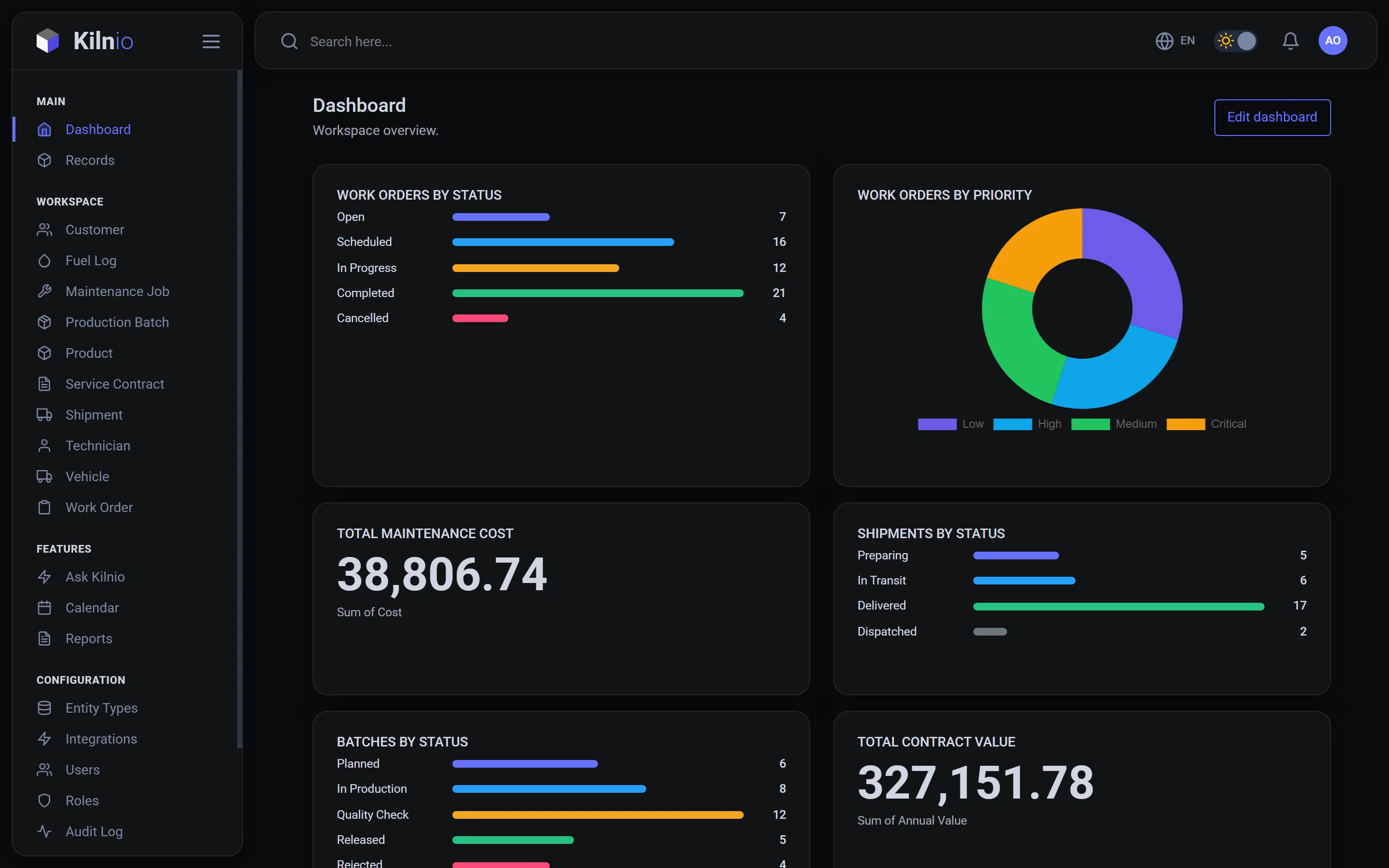
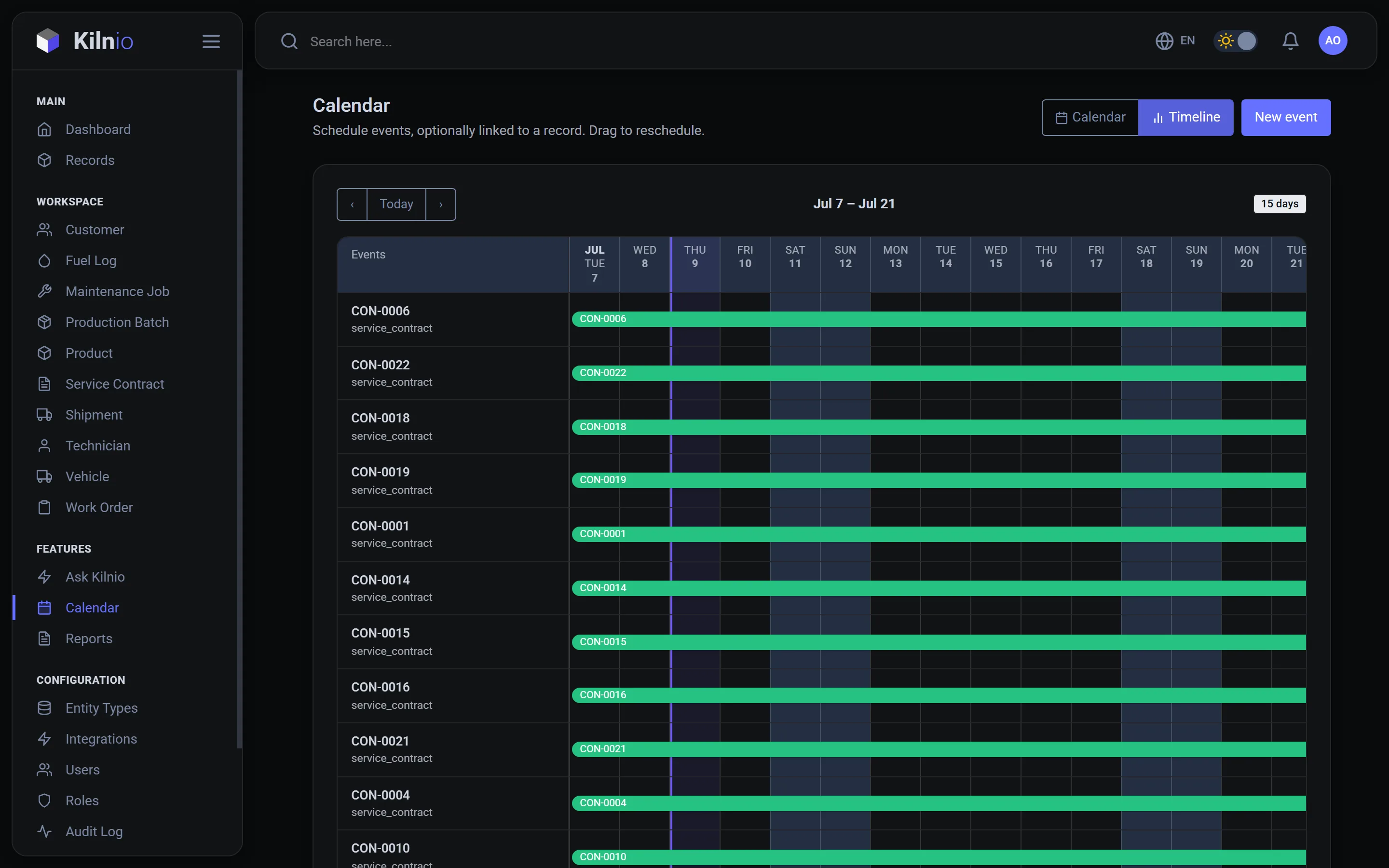
The dashboard your team opens every morning
Features Everything an operations team needs
Not another rigid tool your process has to bend around.
=TYPE("Work order")Define what you track, from fields and validations to reference numbers, and change it anytime without losing data.
=FLOW(Open, Done)Custom lifecycles per record type, with controlled transitions and full history of every change.
=LINK(order, asset)Link records to each other, like a work order to its asset or an order to its supplier, and explore the live relationship map.
=CALENDAR(due)Records with dates appear on a shared team calendar. Drag to reschedule.
=REPORT(xlsx, pdf)Build reports from your records, download as Excel or PDF, or schedule them straight to inboxes.
=ASK("what is overdue?")An AI assistant that knows your workspace: ask questions in plain language, get answers, charts and export files. Read-only by design.
=ROLE(technician)Fine-grained, per-record-type permissions. Every workspace is fully isolated.
=AUDIT(who, when)Every change, by whom, when. Nothing disappears silently.
=LANG(en, tr, pl)English, Türkçe and Polski, across the interface and platform content.
Pricing Simple per-seat pricing
And nothing else. Full seats get everything in the plan; lite seats let the rest of the team work records and the calendar for a fraction of the price.
Mix seats freely: start from a single full seat and add lite seats for the rest of the team. Lite seats work records, boards and the calendar, without configuration, reports or AI. Early-access pricing. Questions or bigger teams? Talk to us.
Questions Before you switch from spreadsheets
Yes, that's exactly what it's built for. Upload the spreadsheets you use today (work orders, asset lists, schedules) and Kilnio's AI proposes record types, fields, statuses and relationships, then imports your rows as live records. You review everything before it's created.
It can be both, and neither. Kilnio doesn't ship a fixed "work order" module; you define what a work order (or asset, vehicle, batch, contract) means for your business: its fields, its lifecycle statuses, its links to other records. Many teams use it as lightweight CMMS or field-service software without paying for features they don't need.
With the AI import, most teams have a working system with records, workflows, calendar, dashboard and starter reports in under an hour. Without AI, you can configure record types by hand in the settings; there's no code and no consultants.
Data is hosted in the EU (Frankfurt). Every workspace is fully isolated with per-record-type permissions, full audit logging, and role-based access. Your data is never shared between workspaces or used to train AI models.
Free for up to 3 users. Pro is €19 per full user per month and Business, which includes all AI features, is €39. Teammates who only work records can join on lite seats (€6 on Pro, €10 on Business). Annual billing gives you 2 months free. Enterprise starts at €10,000 one-off for a perpetual licence with onboarding and custom setup. No setup fees on Pro and Business during early access.
The full interface is available in English, Turkish (Türkçe) and Polish (Polski), switchable per user.
Contact Request access or ask anything
Request access, ask a question, or tell us what you're trying to run. We reply within a day.
info@kilnio.co