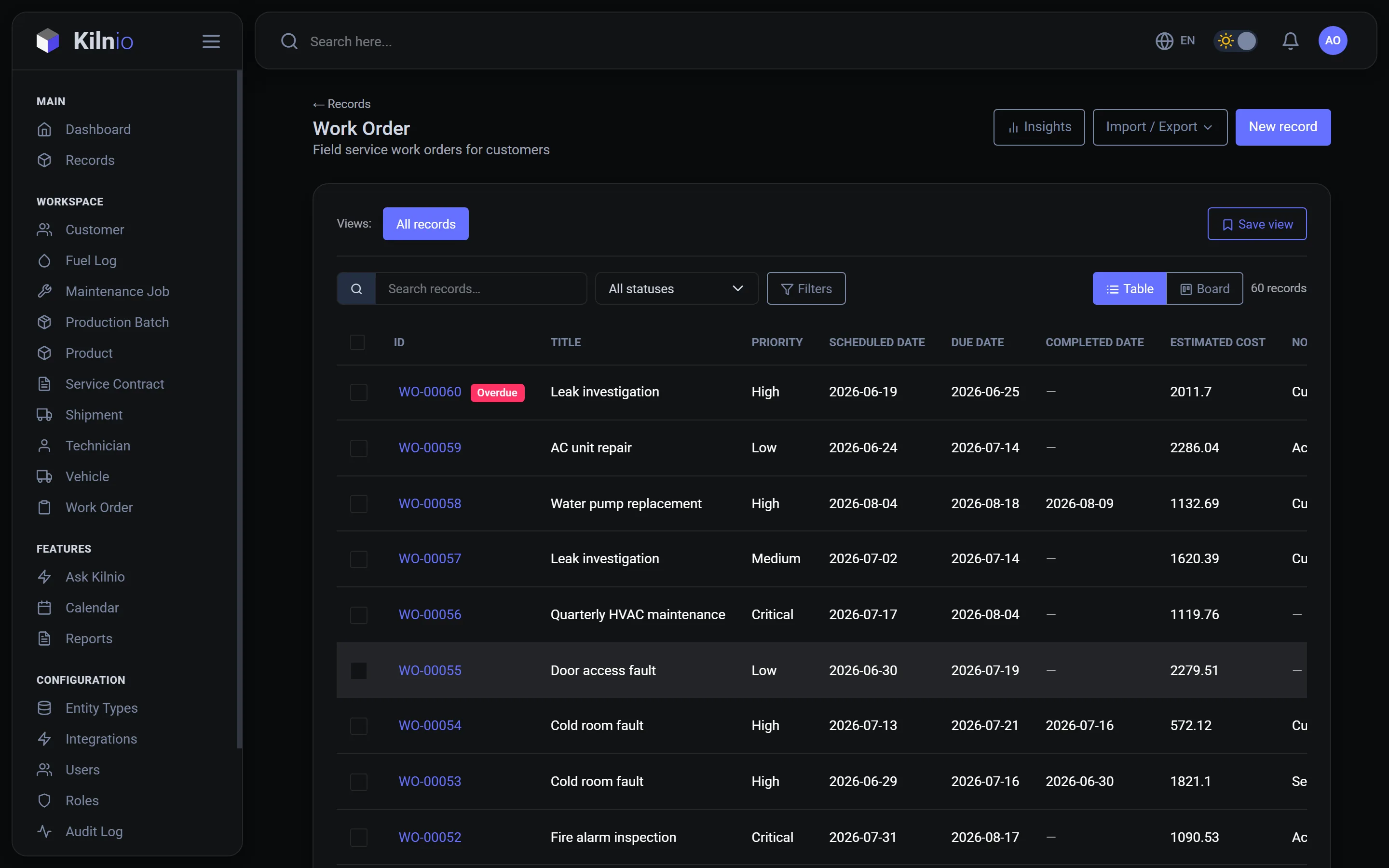
That work order spreadsheet has served you well. It's also one accidental sort away from disaster, invisible to the field team, and only one person really knows how it works. Kilnio's AI reads it and builds the system it was trying to be.
Minutes to import. You approve everything before it's created.
Drop in your .xlsx exactly as it is: work orders, asset lists, schedules, customer tables. Messy is fine.
The AI proposes record types, fields, statuses and the links between them, based on your actual columns and values. You edit and approve. Nothing is created behind your back.
Your rows are now live records with workflows, calendar, dashboards and reports. Invite the team and retire the spreadsheet with honor.
You upload your spreadsheet. Kilnio's AI reads the columns and rows, proposes record types with fields, statuses and relationships, and shows you the proposal. Nothing is created until you approve it. Then your rows are imported as live records.
That's normal. The AI handles mixed date formats, inconsistent status labels and half-filled columns, and flags anything ambiguous for your review during the proposal step.
Yes. Your data is never locked in: any list can be exported to Excel at any time, and reports export to Excel and PDF.
Send us your tracker and see it as a running system, usually within a day. Free for 3 users.
Start free